

Steps
1
Open the Marketplace
Click Marketplace in the top-right corner of the editor.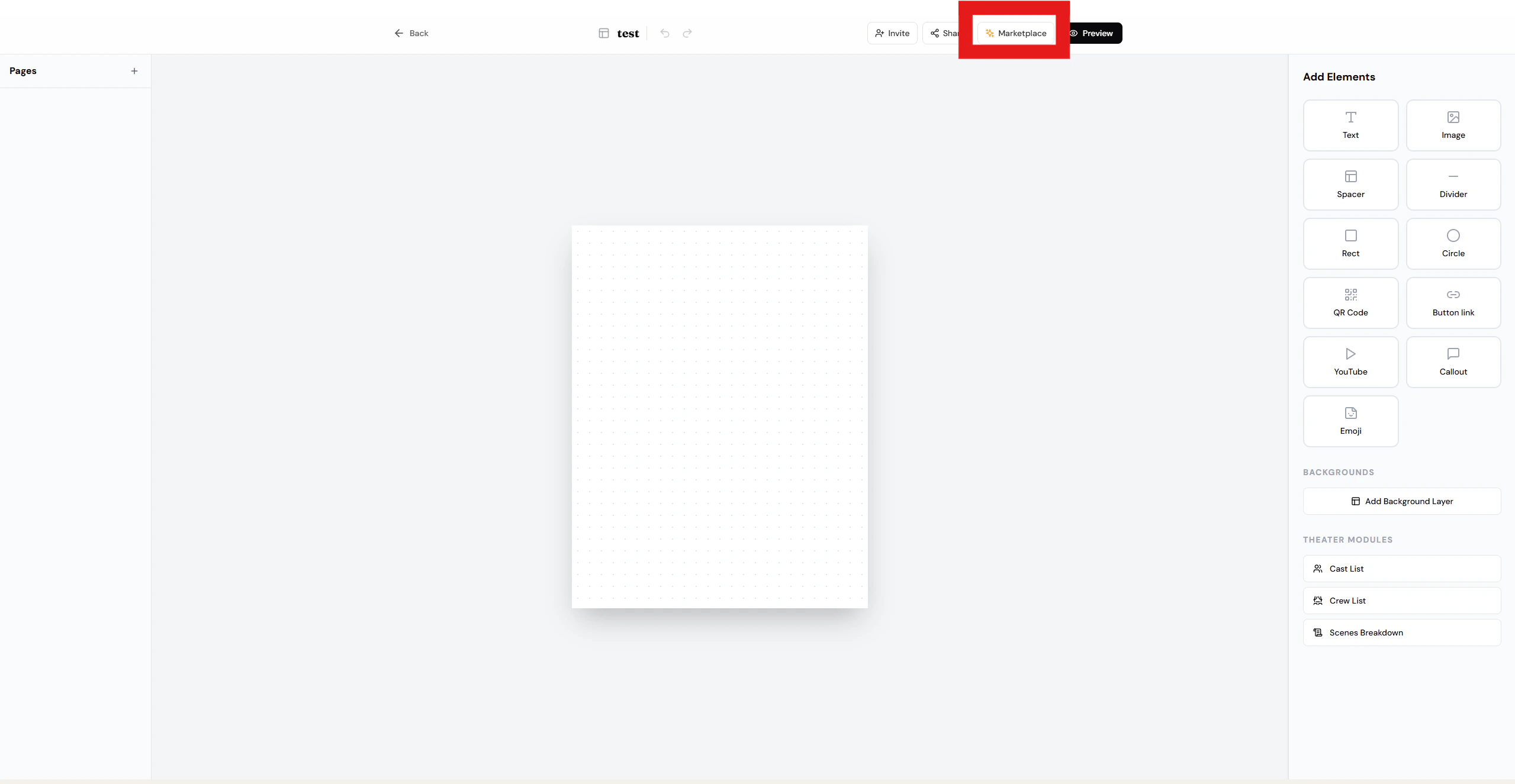
2
Add a name and description
Enter a clear name and a short description for your template, then click Publish Template.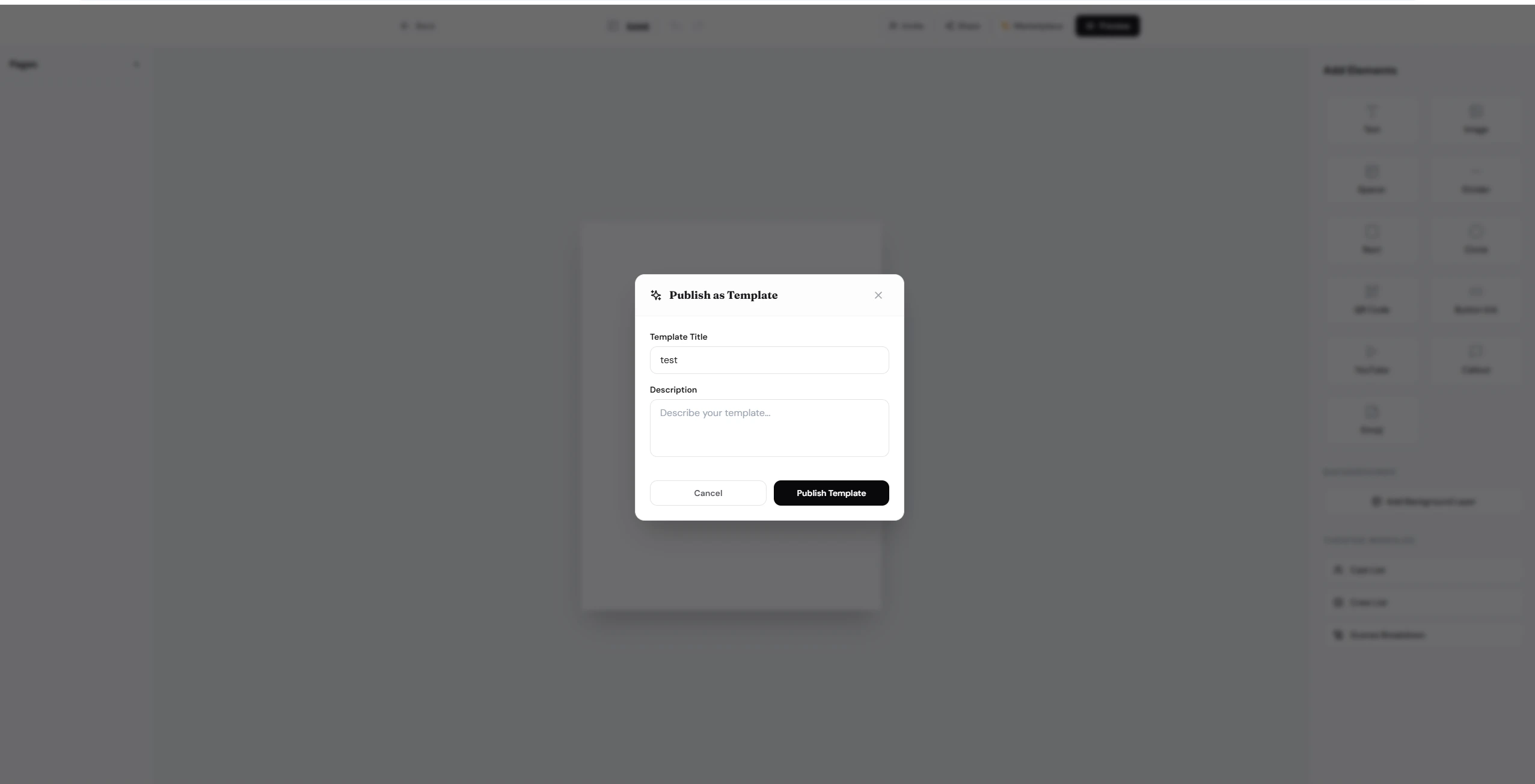
Tips
- Name — use a descriptive name that reflects the playbill’s style or event type (e.g. “Elegant Theater Night”).
- Description — briefly explain the layout, color scheme, or ideal use case so users know what to expect.
- You can unpublish or update your template at any time from the Marketplace settings.