

1
Click 'New Playbill'
In the top right corner of the dashboard, click the New Playbill button.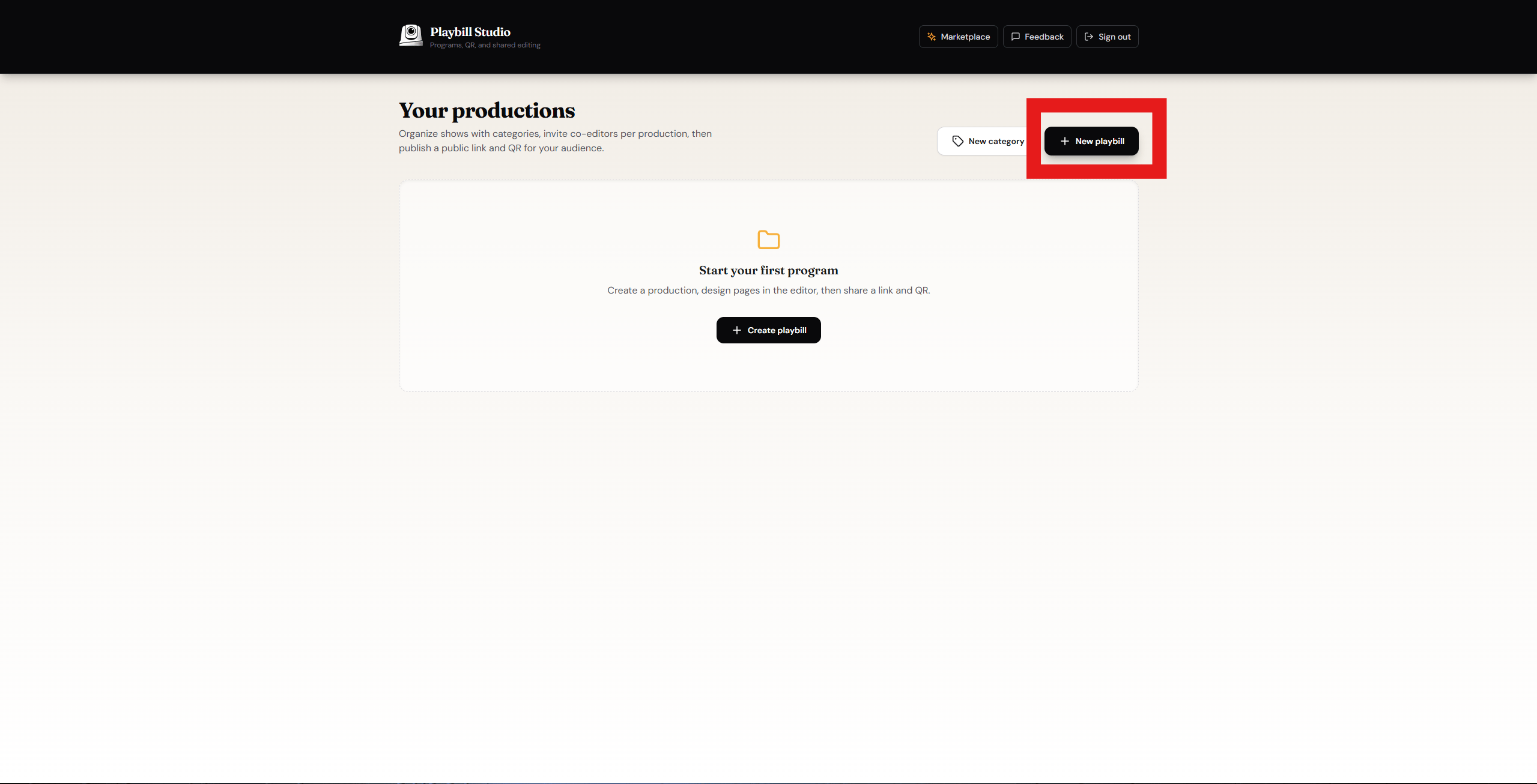
2
Enter your details
Fill in your Production Name and Playbill Title, then click Create.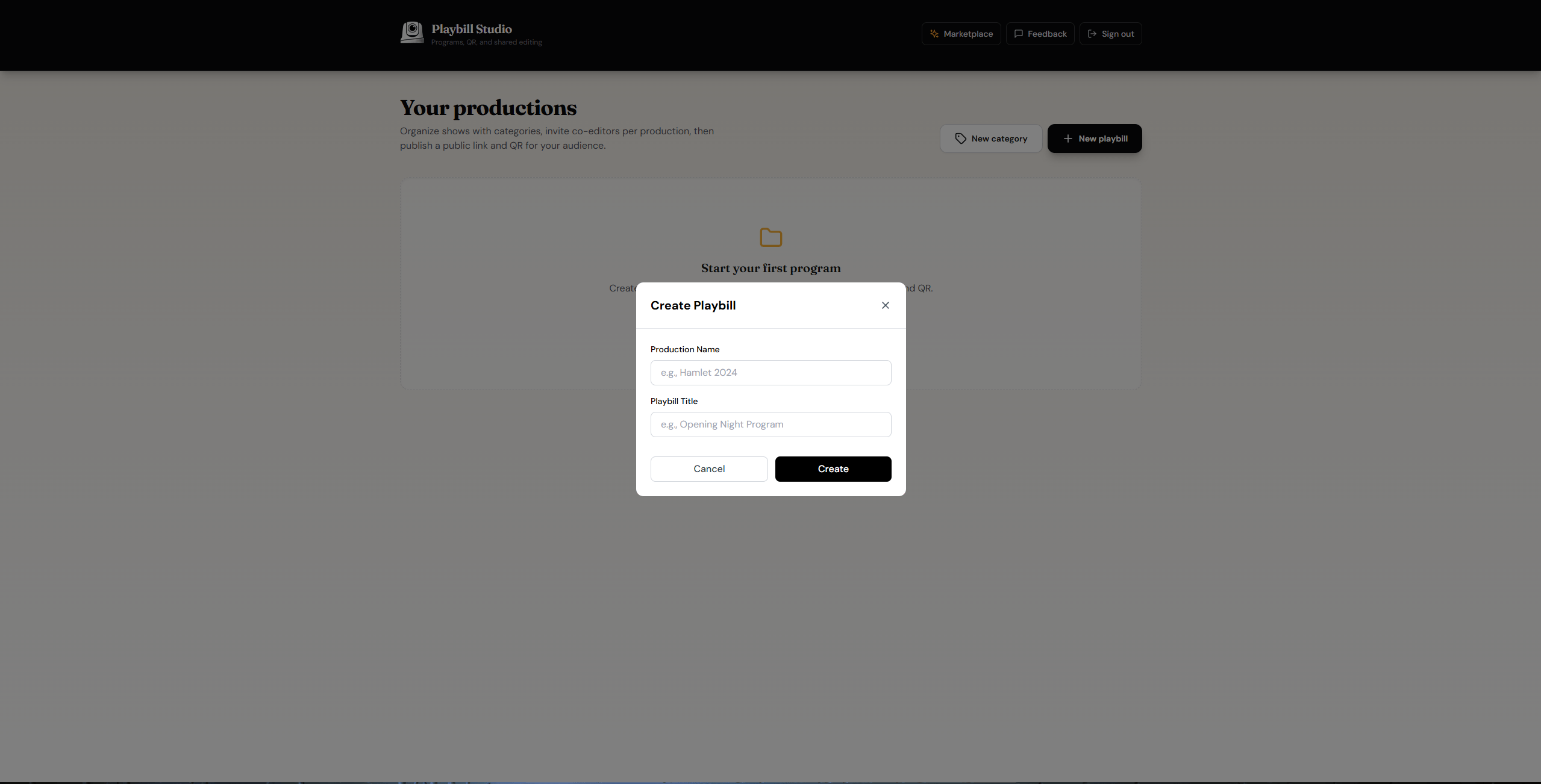
Your Playbill has been created and is ready to use.
Walk through creating a new VisionCam Playbill from scratch — pick a template, name your program, and open the editor to start designing pages.
Click 'New Playbill'
Enter your details