

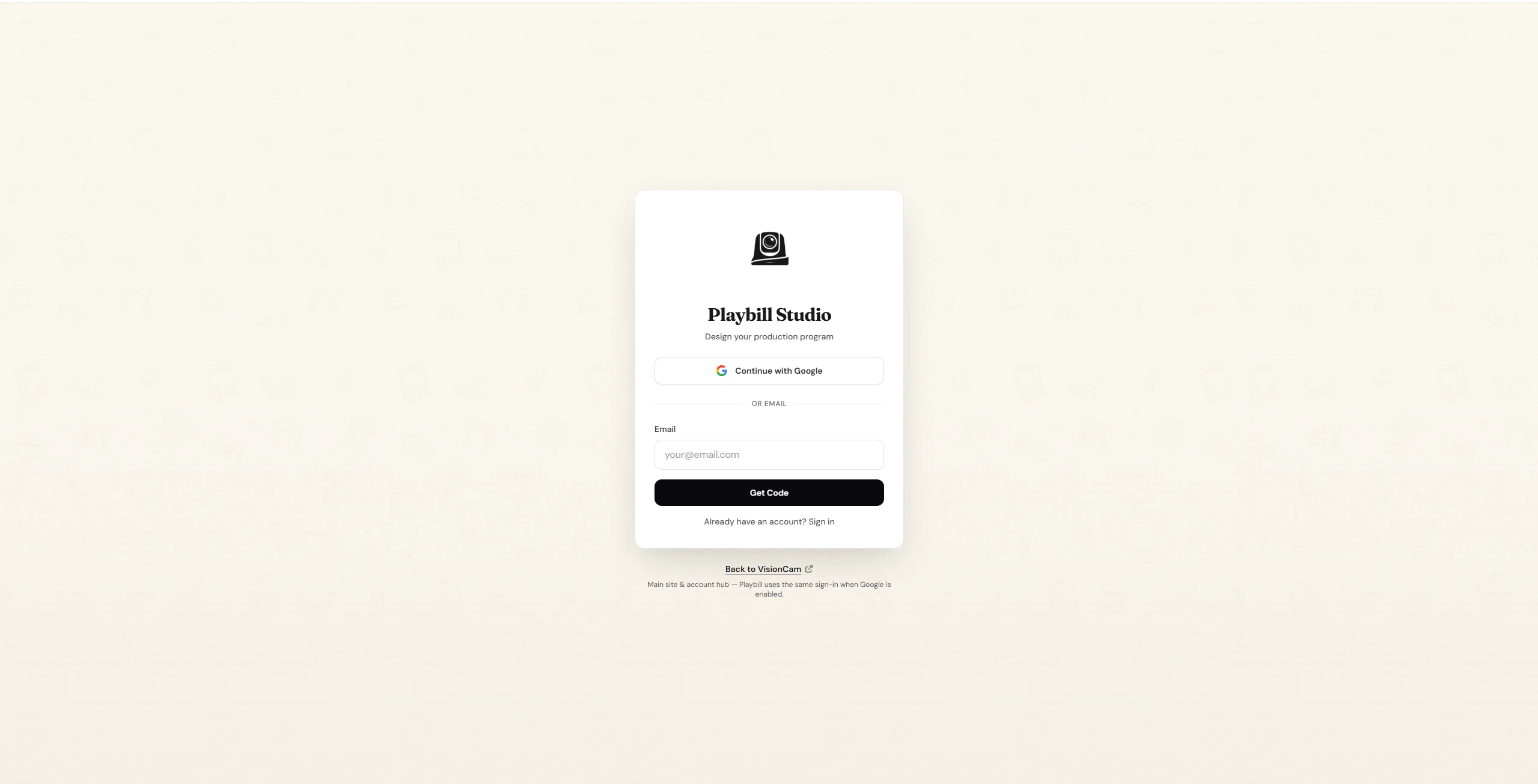
Sign Up with Google
1
Click 'Continue With Google'
On the login page, click the Continue With Google button.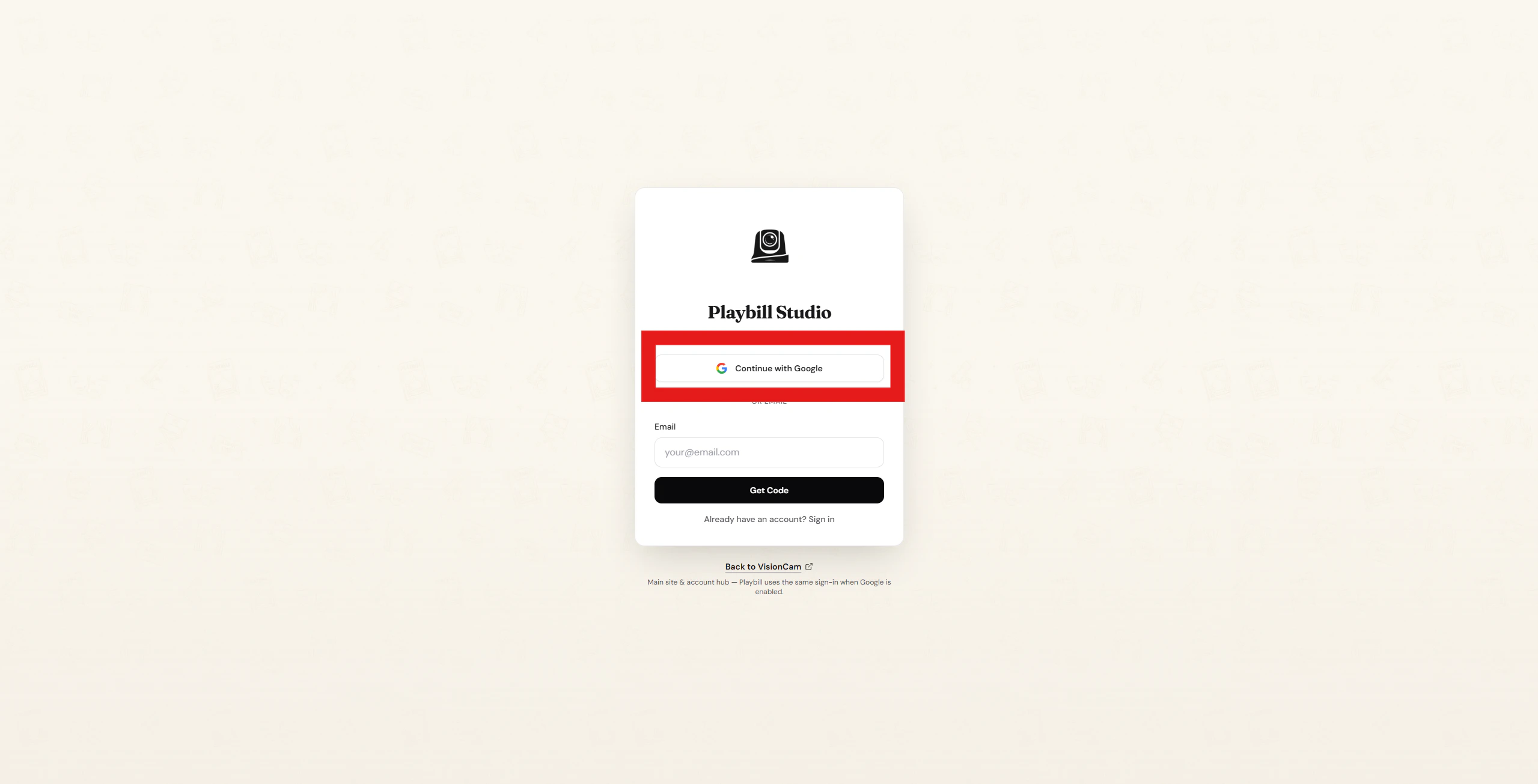
2
Select your Google account
You’ll be redirected to Google. Select the account you’d like to use.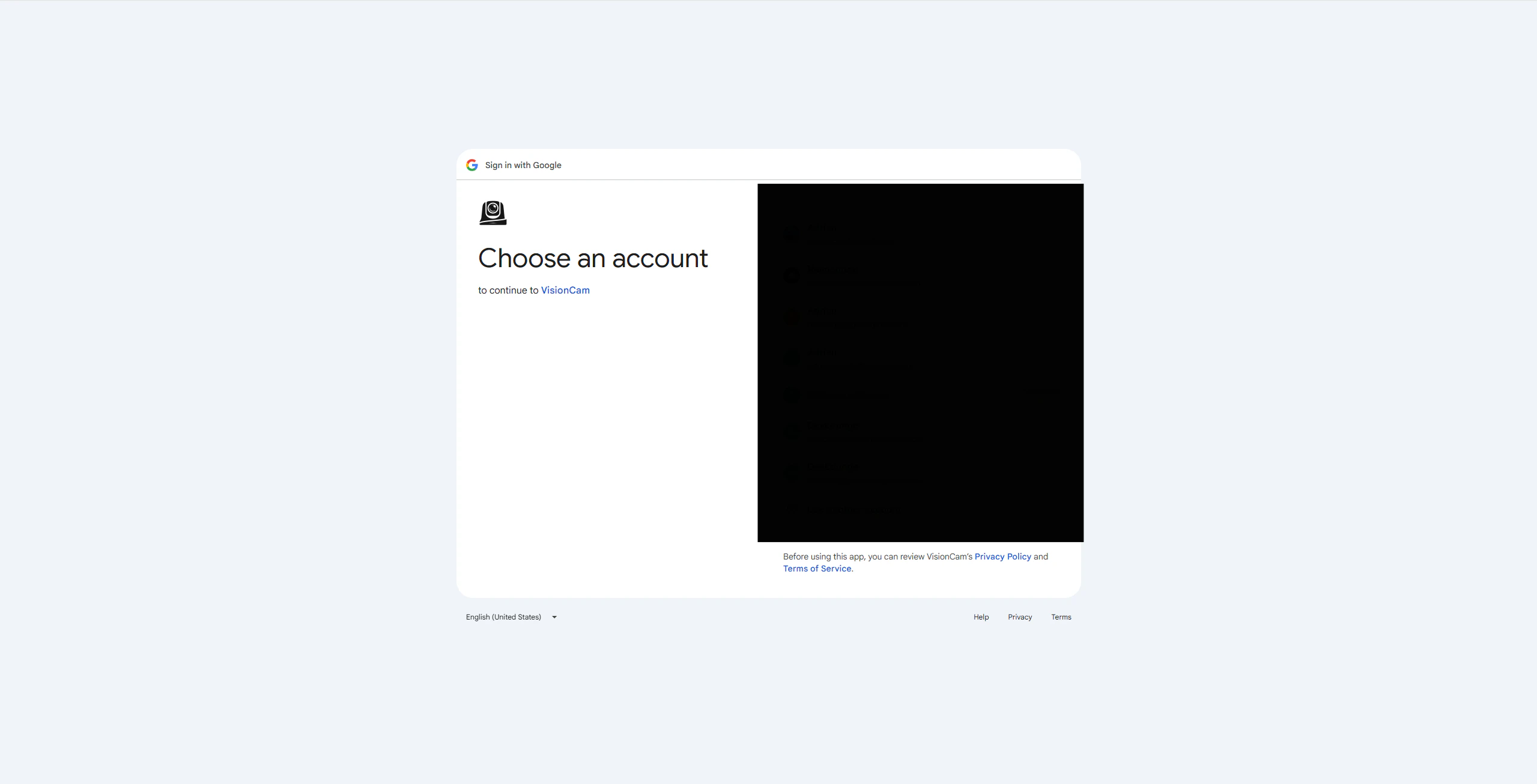
3
Confirm and continue
Click Continue to finish creating your account.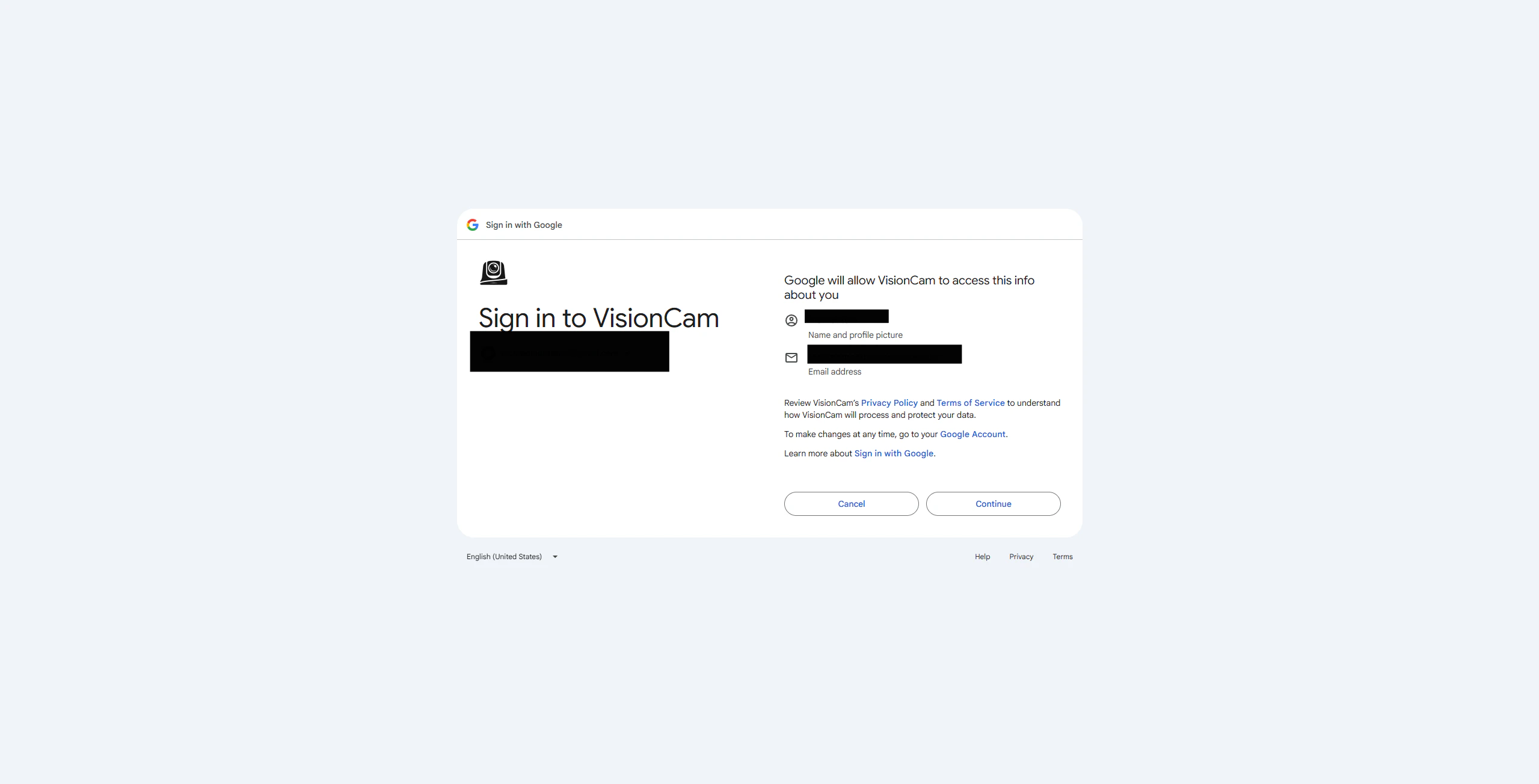
You’re all set! Your account has been created.
Sign Up with Email
1
Enter your email
Type your email address into the Email field and click Get Code.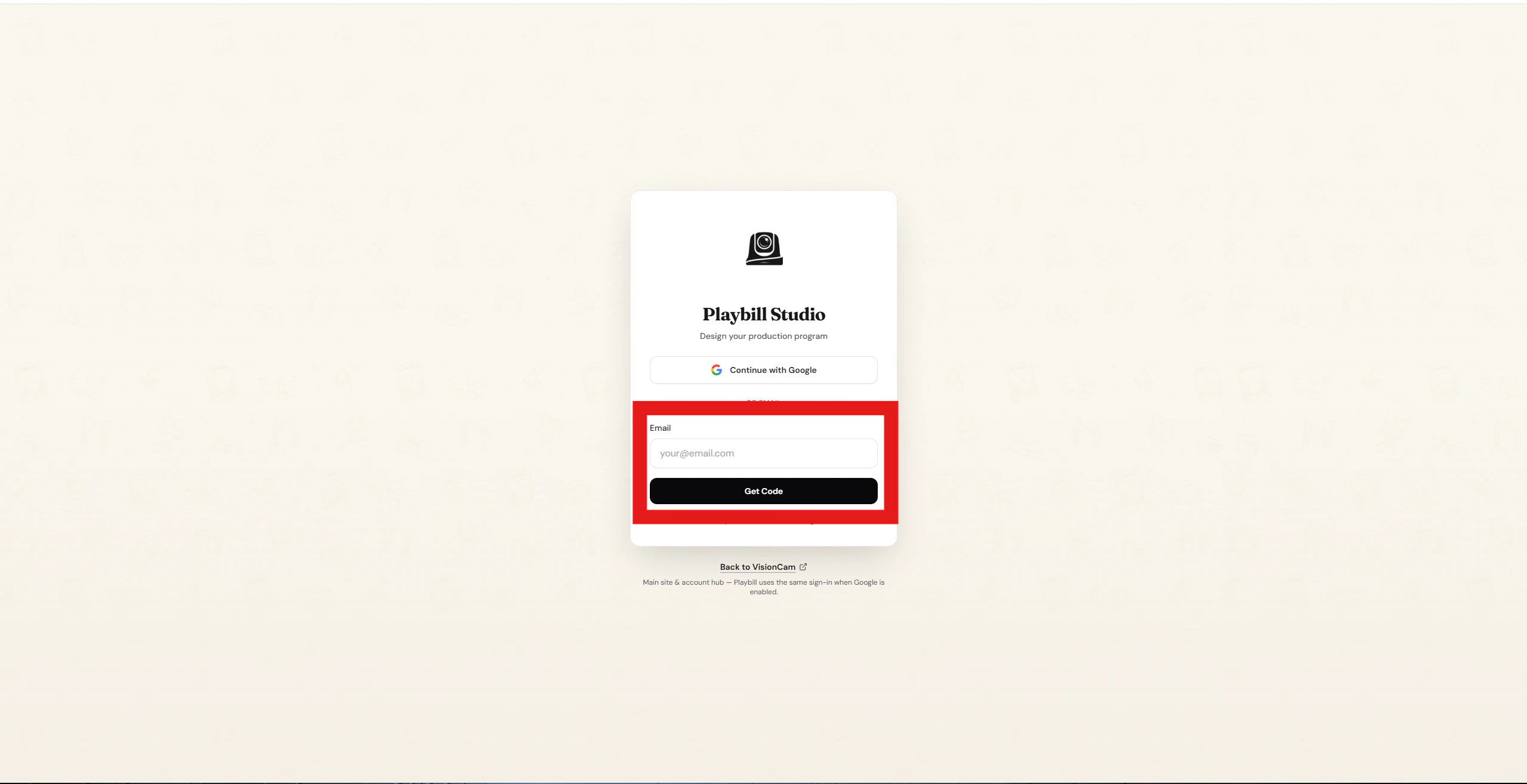
2
Check your inbox
A verification code will be sent to your email. Enter the code on the next page and click Verify & Create Account.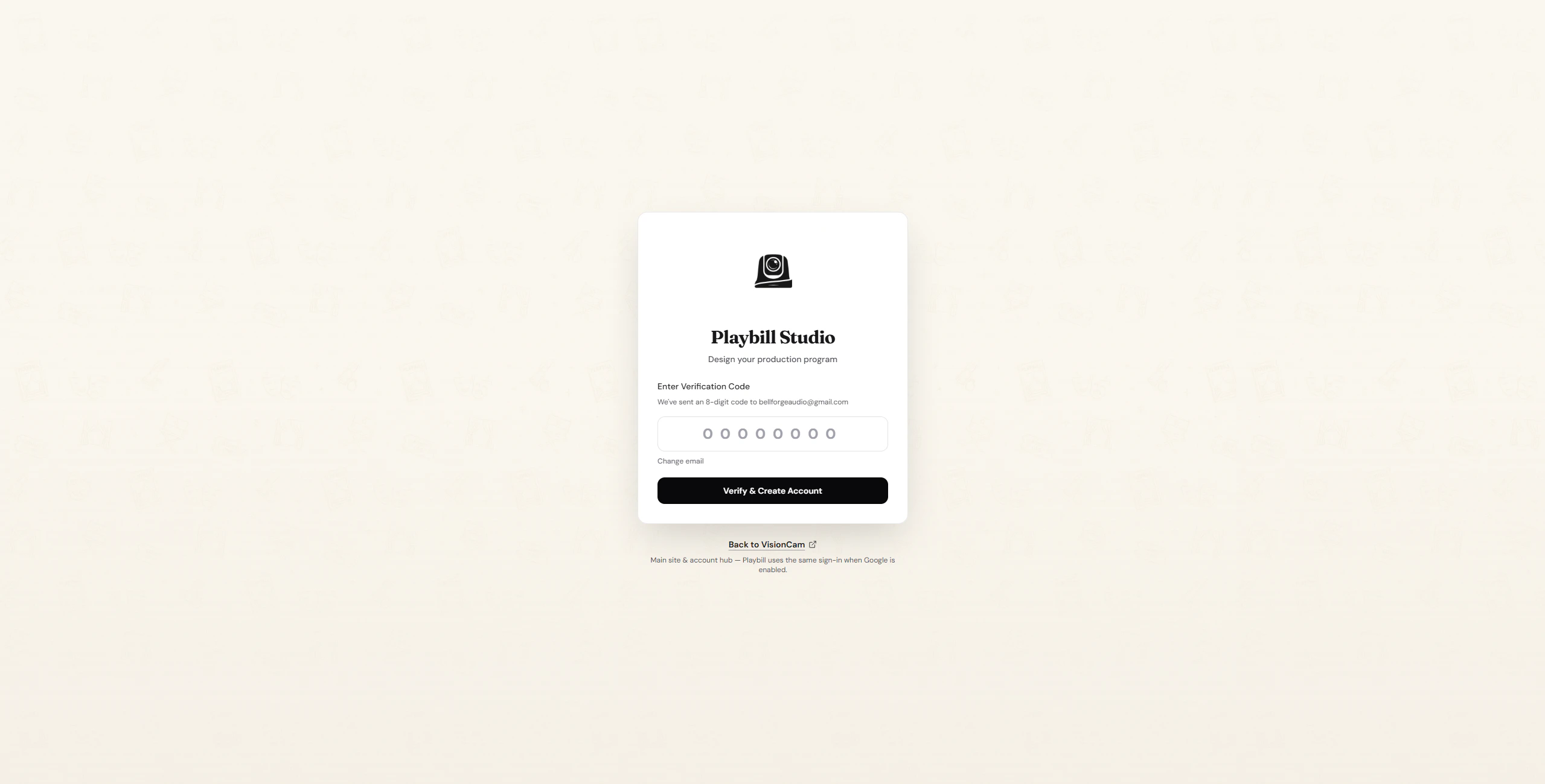
3
Account confirmed
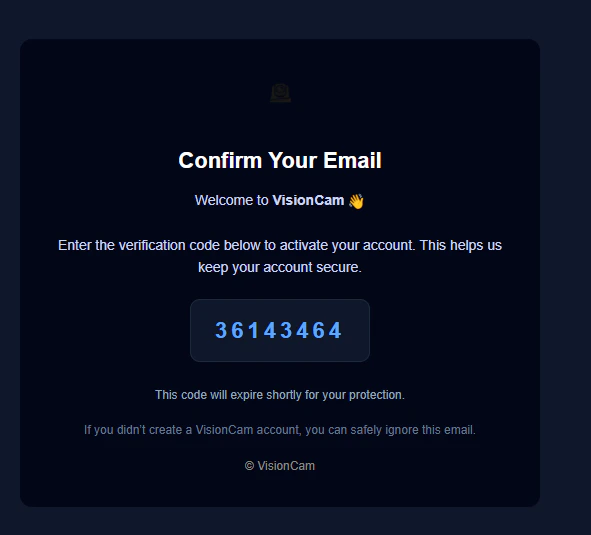
You’re all set! Your account has been created.