Once your program is ready, publishing it takes just a few clicks. VisionCam generates a public link and QR code you can share anywhere — digitally or in print.
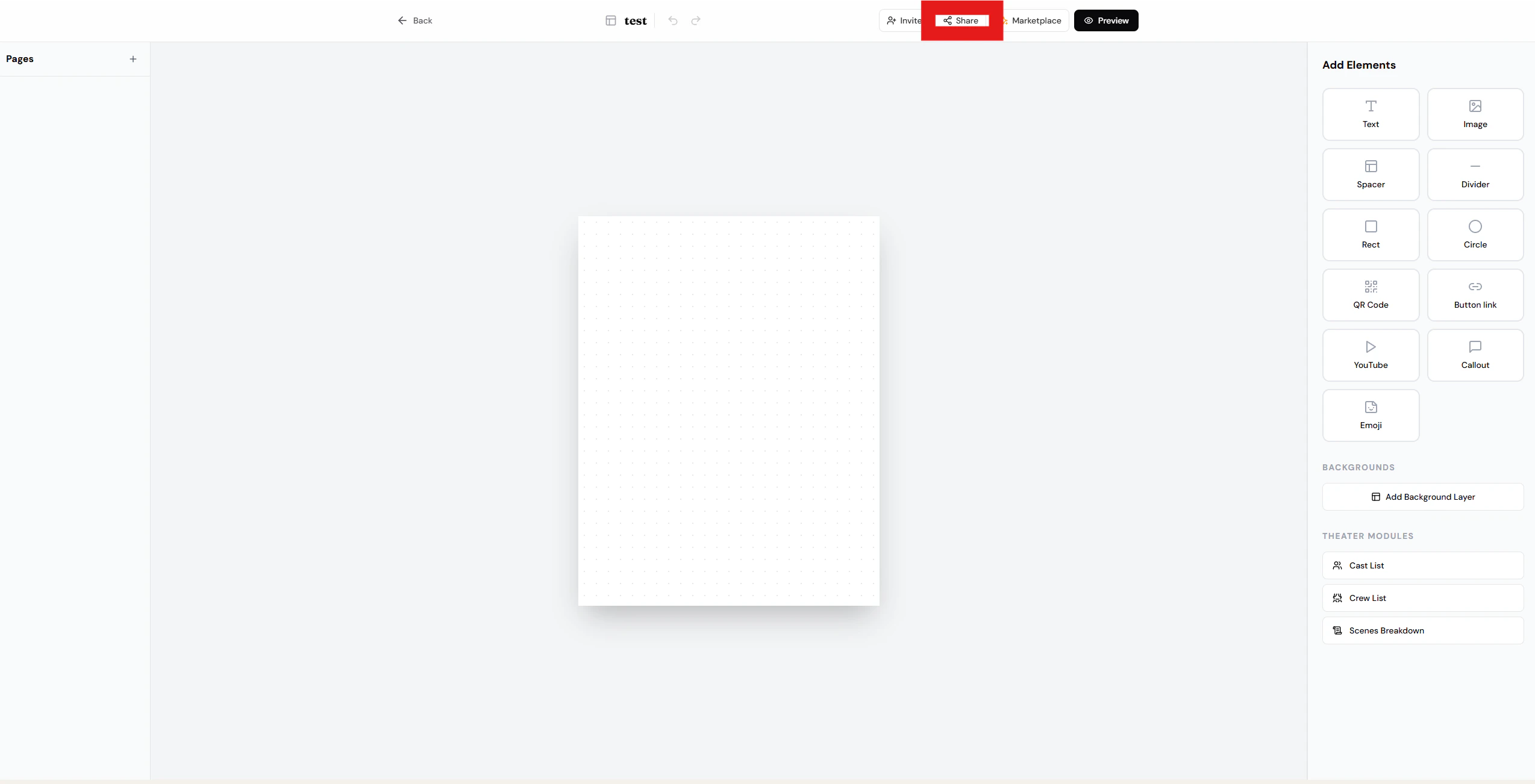
Tap Share in the top-right corner of your program.
Step 2: Create a public link & QR code
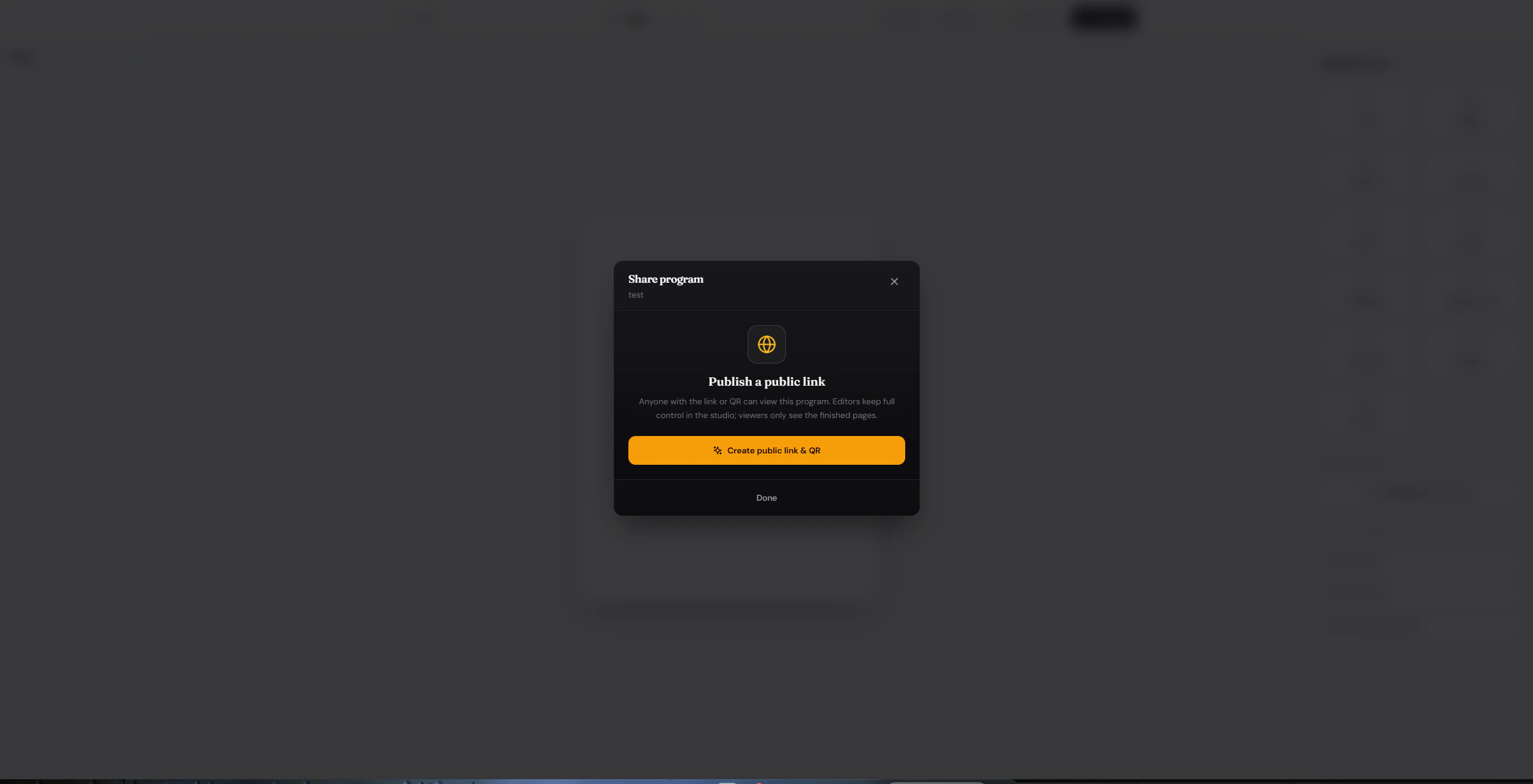
Select Create public link & QR to generate your shareable assets.
Step 3: Share it
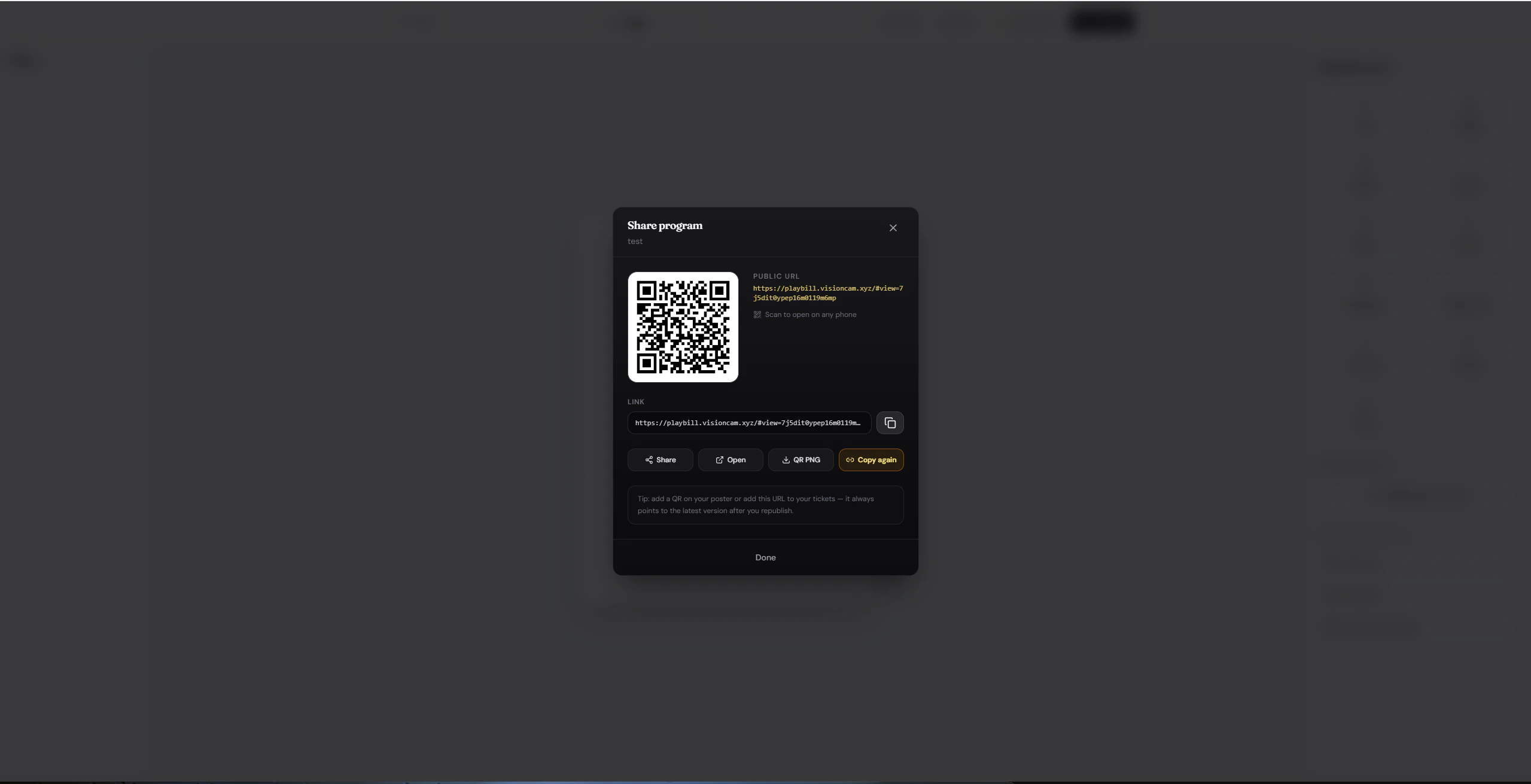
Once generated, use any of the action buttons to distribute your program:
| Button | What it does |
|---|
| Share | Opens your device’s native share sheet — send via text, email, or any app. |
| Open | Previews the public program page exactly as viewers will see it. |
| QR PNG | Downloads the QR code as a PNG — perfect for posters, tickets, or printed programs. |
| Copy again | Re-copies the public URL to your clipboard for easy pasting. |
Print the QR code on your event materials so attendees can pull up the program instantly on their phones.