> ## Documentation Index
> Fetch the complete documentation index at: https://docs.visioncam.net/llms.txt
> Use this file to discover all available pages before exploring further.
# Create your first Playbill
> Walk through creating a new VisionCam Playbill from scratch — pick a template, name your program, and open the editor to start designing pages.
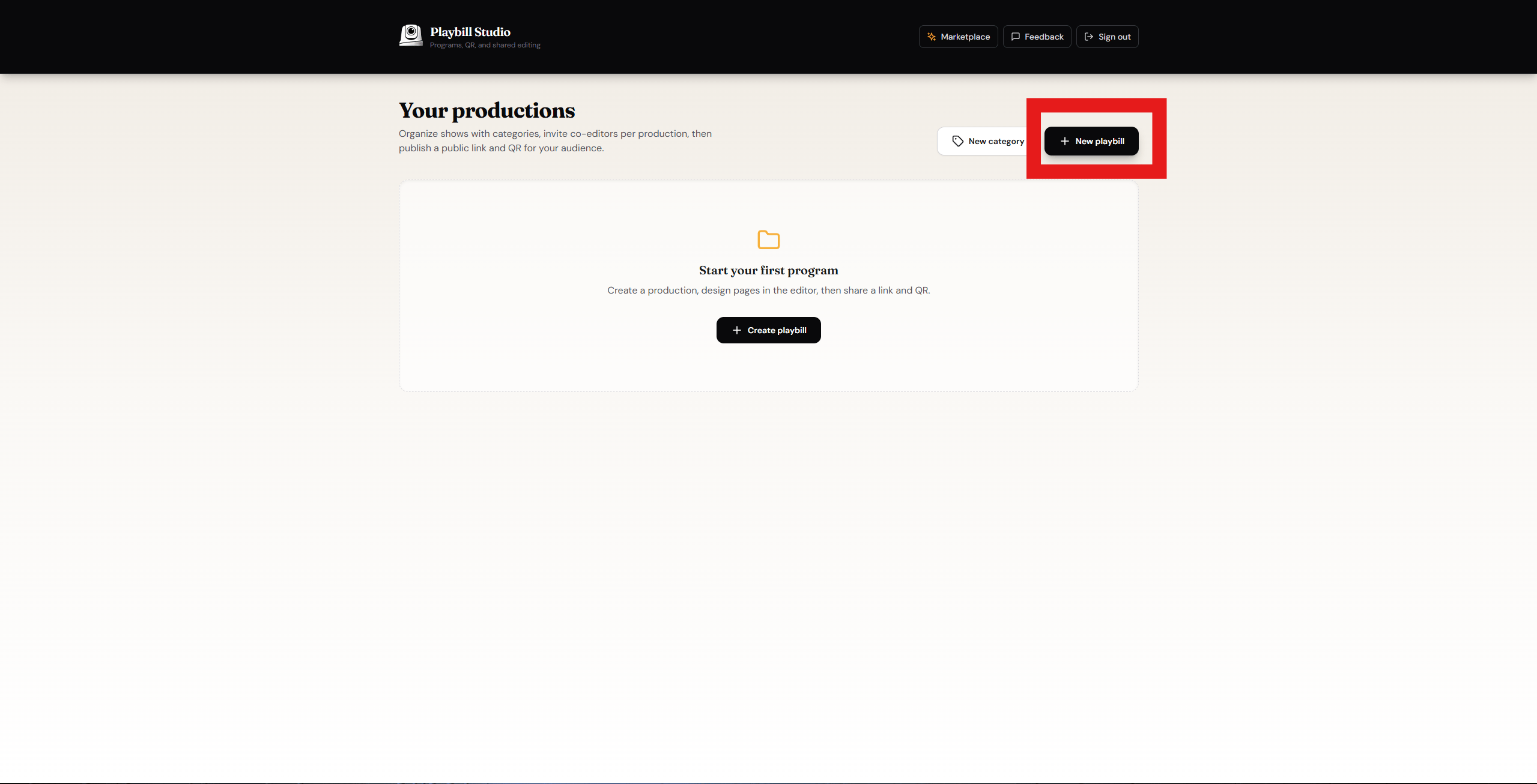
In the top right corner of the dashboard, click the **New Playbill** button.
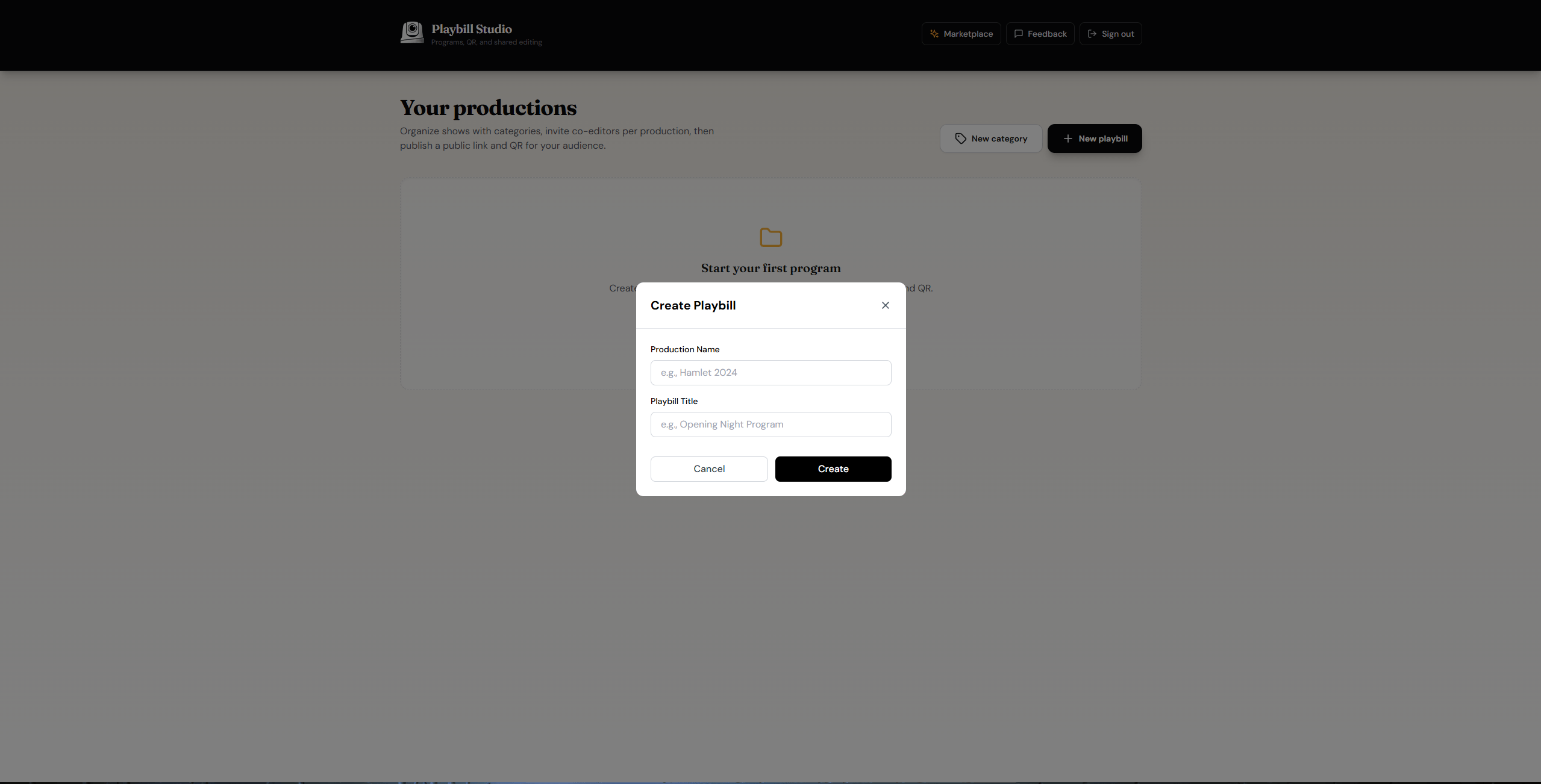
 Fill in your **Production Name** and **Playbill Title**, then click **Create**.
 Your Playbill has been created and is ready to use.